Keep media on your phone
Photos, videos, thumbnails, and vault metadata stay in Lockpic’s private storage unless you export them.
 Lockpic
Lockpic keeps private photos and videos encrypted on your phone, with no account, cloud vault, ads, or internet permission.
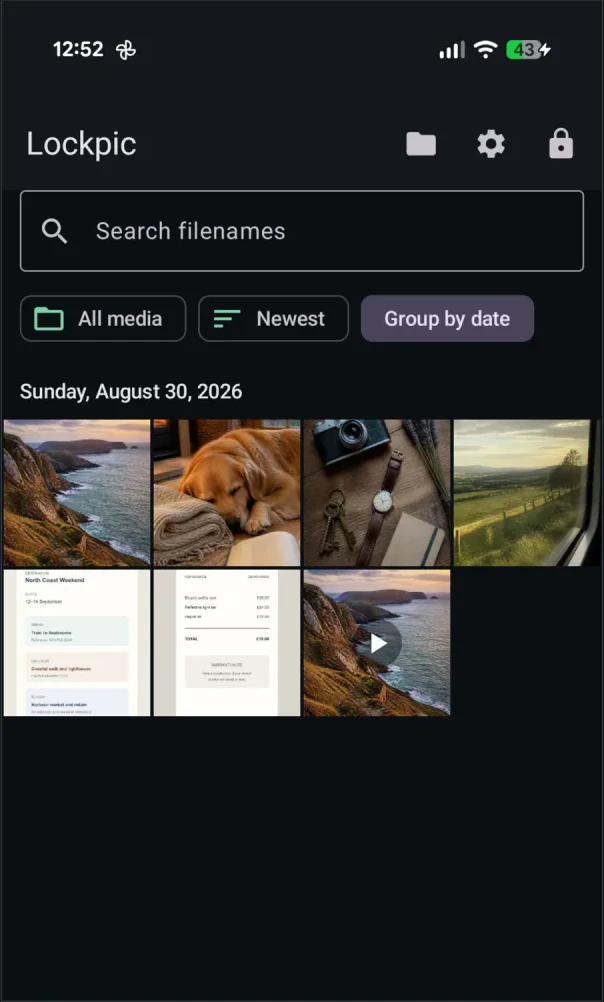
Photos, videos, thumbnails, and vault metadata stay in Lockpic’s private storage unless you export them.
There is no identity profile or cloud account to create. Your pattern opens your vault.
Lockpic cannot upload your gallery or fetch remote ads.
Choose the pattern that opens your vault. A different pattern can open a separate decoy vault.
Use Android’s system picker to choose exactly what you want to keep private.
Export an encrypted backup and verify it before you need it.
No. Lockpic keeps the vault on your Android phone.
Yes. Lockpic stores and plays encrypted videos directly in the vault.
The free version supports up to 25 items per vault. Pro removes the item limit through a one-time Google Play purchase.
Closed testing is underway.
Lockpic is not yet available for public download. Android 13 or later users can email us to ask about joining the test.